

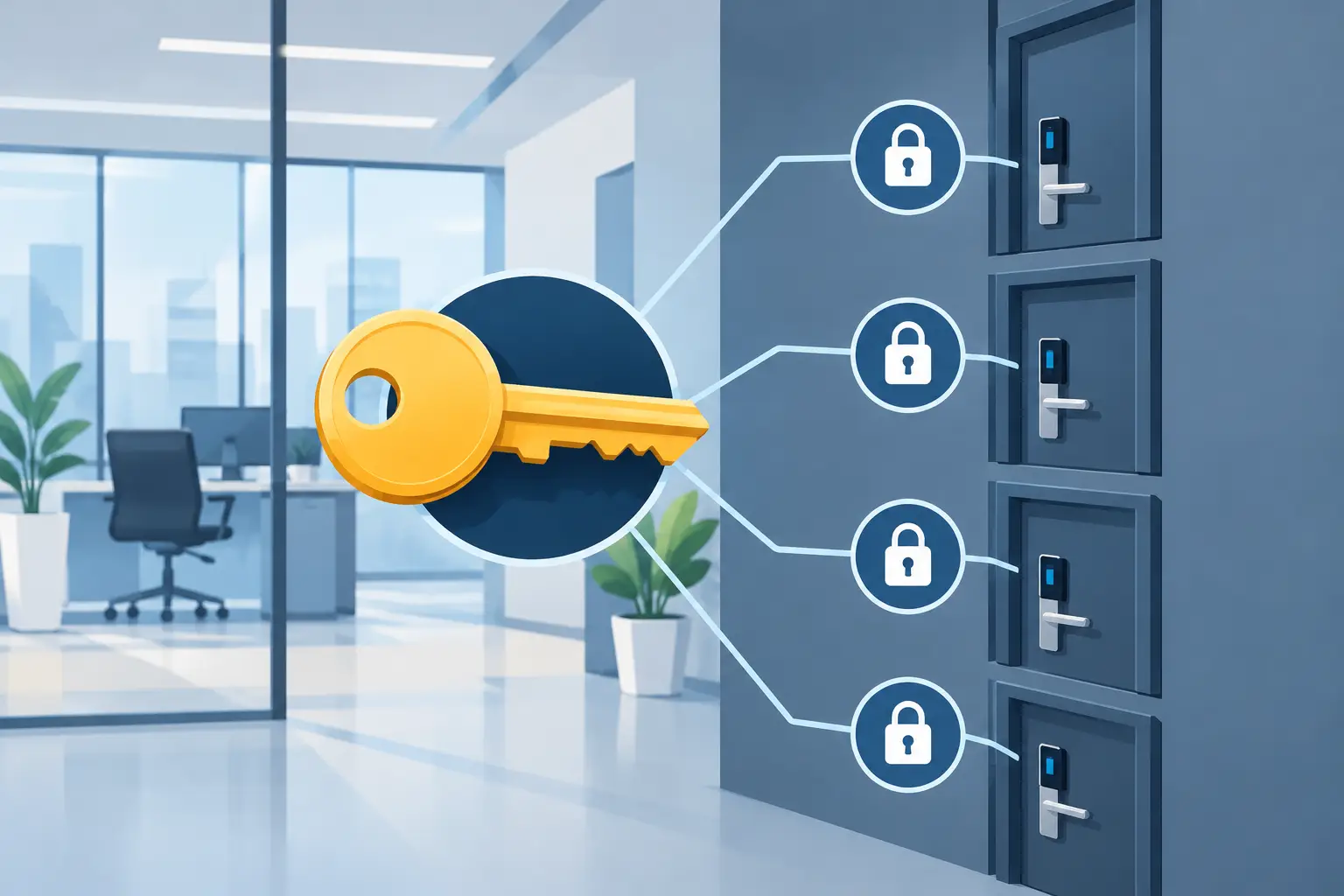
A key ring packed with unmarked keys is not a security plan. It is a daily delay waiting to happen. When an employee cannot open a supply room, a manager cannot access a storage closet, or a lost key leaves your entire office uncertain, a master key system for office access gives you a clearer way to control who can enter each area.
For Twin Cities businesses, the goal is simple: employees should have access to the doors they need for work, while restricted areas stay protected. A properly designed system reduces unnecessary keys, improves accountability, and makes changes easier when staff, tenants, or vendors come and go.
What Is a Master Key System for an Office?
A master key system uses locks that can be opened by different keys at different access levels. An individual employee key might open one office door. A department supervisor’s key might open that office plus a file room and supply area. A master key can open all designated doors in the system.
The locks are not identical, even when one higher-level key opens several of them. Each cylinder is set up with an access hierarchy. That hierarchy is what allows a business to limit access without handing every employee a separate key for every room.
For a small office, the setup may be straightforward: individual office keys and one manager key. For a larger building, a system may include separate levels for teams, floor managers, maintenance staff, property management, and ownership. The right design depends on your building layout, the number of users, and the areas that need protection.
Where Office Master Key Systems Make Sense
Most offices have more restricted spaces than they realize. Private offices, server rooms, records storage, medicine cabinets, inventory areas, electrical rooms, janitorial closets, and exterior entries should not all have the same access rules.
A master key system works especially well when multiple people need different levels of entry. A receptionist may need the front door, reception storage, and mail room. An IT manager may need access to the server room but not human resources files. A cleaning crew may need access after hours without receiving keys to executive offices or secure records areas.
This structure is also useful in shared commercial properties. A property manager can retain access to common areas and mechanical rooms, while each tenant keeps control over its own suite. That arrangement helps avoid the confusion that comes from copying keys without a plan.
The Real Benefit Is Control, Not Just Convenience
Convenience matters. Fewer keys mean less time searching, labeling, and dealing with lockouts. But the bigger value is knowing which key opens which door and who has it.
Without a planned system, offices often add locks one at a time over several years. A former manager installs one lock, a tenant changes another, and a maintenance contractor adds a third. Soon, one staff member may carry six keys while no one knows whether old copies are still circulating.
A well-organized master key plan creates order. It lets you assign access by job role, keep a record of issued keys, and restrict sensitive areas without making normal operations harder. When a key is missing, you can identify the exposure quickly instead of wondering whether it opens half the building.
There is also a practical emergency benefit. If a manager must reach a utility room, secured office, or critical equipment after hours, a properly controlled master key can prevent a stressful delay. That does not mean every supervisor should carry one. It means the business should decide in advance who needs that authority.
Build the Access Plan Before Installing Locks
The best master key systems begin with a walkthrough, not a key-cutting machine. Before locks are pinned or cylinders are changed, map every door and decide who needs access.
Start by grouping doors into categories: public entry, employee-only areas, restricted rooms, tenant spaces, and building-service areas. Then identify the people or roles that need each category. Think about regular employees, managers, cleaning crews, maintenance teams, contractors, and emergency contacts.
It helps to consider access after normal business hours as well. The person who opens the office at 7 a.m. may not be the same person who locks up at night. If you operate multiple shifts, your system should support those routines without giving broad access to everyone.
Avoid designing access around one current employee whenever possible. Roles change. Build the system around positions such as office manager, facilities supervisor, IT lead, or tenant representative. That makes future changes less disruptive.
Keep the hierarchy simple enough to manage
More access levels are not always better. A highly detailed hierarchy can look secure on paper but become confusing to administer. Every additional level creates more keys, more rules, and more chances for an incorrect key to be issued.
A small office may only need individual keys, a supervisor key, and one master key held by ownership or facilities. A multi-suite property may need several levels. The right balance depends on the size of the operation and the sensitivity of the spaces involved.
Choose Hardware That Matches the Risk
A master key system is only as dependable as the locks it uses. Standard commercial hardware may be appropriate for ordinary interior offices. Higher-risk rooms may call for higher-security cylinders, restricted keyways, reinforced strikes, or additional door hardware.
Restricted keyways can be a smart choice for businesses concerned about unauthorized duplication. With common keys, an employee or contractor may be able to make copies without approval. Restricted systems provide more control over who can authorize copies, although they can cost more and may require a professional locksmith for replacement keys.
For exterior doors, server rooms, cash-handling areas, or locations with a history of break-ins, mechanical keys may also be only one part of the solution. Access control, door closers, security cameras, alarms, and reinforced frames can all play a role. A master key system manages physical key access well, but it cannot replace every security measure.
Plan for Lost Keys, Staff Changes, and Lockouts
Every office should assume a key will eventually be misplaced. What matters is whether the business has a response plan.
Keep an up-to-date key log showing the key number, assigned holder, access level, date issued, and date returned. Do not label keys with your business name, address, or the room they open. If a labeled key is lost in a parking lot, it gives the finder useful information.
When an employee leaves, collect keys as part of the offboarding process. If a master key or high-level key cannot be recovered, contact a commercial locksmith promptly. In some cases, rekeying only the affected locks is enough. In other cases, the exposure may require a larger change to preserve the system’s integrity.
Office lockouts should also be handled carefully. Forcing a door or trying to bypass a commercial lock can damage the hardware and create a bigger security problem. A mobile locksmith can restore access, assess the lock, and help determine whether a rekey or replacement is needed.
Installation Should Support Daily Operations
Commercial lock work should not unnecessarily disrupt your staff or customers. A professional locksmith can schedule planned installation around business hours, work through an office in phases, and make sure keys are tested before the job is complete.
During installation, ask for a clear explanation of the hierarchy. You should know which keys exist, what each level opens, who is authorized to request duplicates, and what to do if a key goes missing. That information is just as valuable as the new hardware.
Free Eagle Locksmith provides mobile commercial locksmith service across Minneapolis, Saint Paul, Coon Rapids, and surrounding Twin Cities communities. Whether you need to rekey after employee turnover, organize a new office, replace damaged locks, or regain access after a lockout, a prepared technician can help you get control of the situation without sending your day off track.
The best time to organize office access is before a lost key, staff departure, or damaged lock forces the issue. A clear key hierarchy gives your team what it needs to work, while keeping the doors that matter protected.